
Intel K, KS, KF and F - How to Read Processor Labels and What They Actually Mean (Guide 2025)
Introduction
In the naming of Intel processors, the letters at the end of the model (so-called suffixes) carry important information about the functions and purpose of a particular chip. Understanding them helps PC enthusiasts and hardware buyers alike - so you can consciously choose a CPU for your needs without making wrong assumptions about its capabilities.
Below we discuss in detail four popular designations: K, KS, KF and F, their strengths and weaknesses, and their target applications.
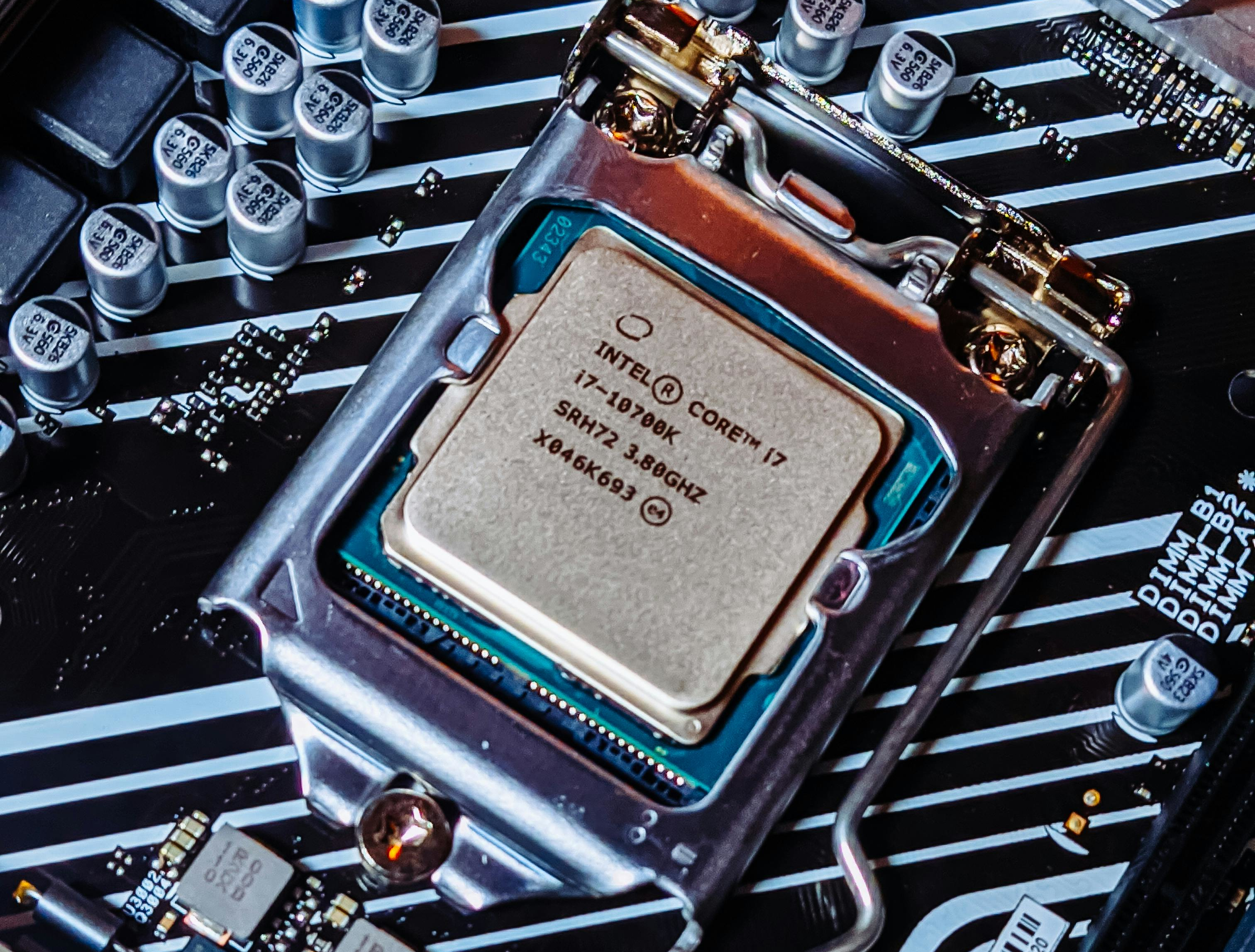
Intel "K" - processors with an unlocked multiplier
What it means
Processors with the suffix K have an unlocked clock multiplier, which means they can be overclocked (overclocked) beyond their factory settings.
Strengths
- Overclocking capability - for advanced users, increases processor performance beyond standard clocks.
- Higher base clocks and Boost in practice, often a tad higher than standard models without suffix.
Weaknesses
- Requires better-grade cooling - overclocking generates more heat and requires more powerful coolers.
- Often higher power consumption in configurations with overclocking.
Purpose
The ideal choice of gaming and PC enthusiasts who want to maximize the potential of the CPU, especially when combined with powerful cooling and a motherboard with a Z-series chipset.
Intel "KS" - special versions with higher clock rates
What it means
The suffix KS is a special "overclocked selection" of CPUs, usually in top models (generally only in the Core i9 series), which have higher frequencies than the standard K.
Strengths
- Higher factory clocks than the K versions.
- Slightly better performance in single-threaded and multi-threaded tasks.
Weaknesses
- Higher price than standard K.
- Still require solid cooling and often more expensive motherboard.
Purpose
For the most demanding gamers, streamers and professionals who want maximum performance without further manual overclocking.
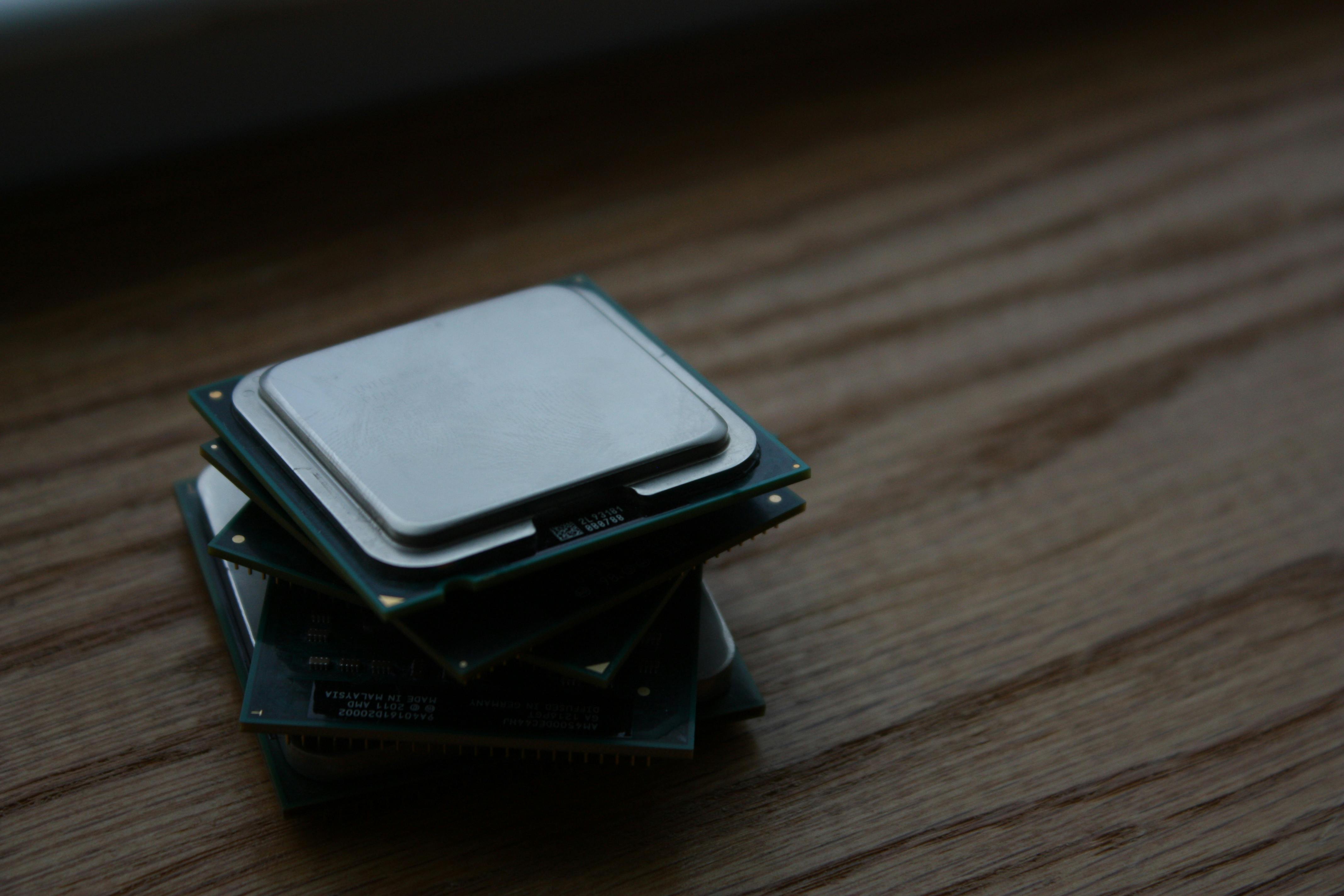
Intel "KF" - Unlocked, but without integrated graphics
What it means
Processors with the KF designation combine the features of K (unlocked multiplier) with F (no integrated GPU).
Strengths
- Ability to overclock as in K processors.
- Lower price than the counterpart with iGPU, because stripped of GPU lithography costs
Weaknesses
- No integrated graphics - requires a dedicated graphics card for on-screen display.
Purpose
An excellent option gaming and content creators who plan to use a dedicated graphics card anyway and want to save costs without sacrificing overclocking capabilities.
Intel "F" - no integrated graphics
What it means
Processors marked with the letter F do not have integrated graphics (iGPU).
Strengths
- Lower price compared to the counterpart without the F mark.
- Smaller design may generate slightly lower temperatures.
Weaknesses
- Requirement of a dedicated graphics card for system operation.
- Lack of overclocking capabilities (unlike K/KF models).
Purpose
Mainly for systems with a dedicated GPU - such as in gaming kits or workstations with powerful graphics cards, where integrated graphics are not needed.
Completion
Understanding the Intel K, KS, KF and F suffixes helps you consciously select a processor for specific applications - from budget kits with a graphics card, to gaming rigs, to high-performance units for professionals. It's always a good idea to juxtapose your needs (e.g., overclocking or the need for an iGPU) with the processor's designation in order to choose the model with the optimal price/performance ratio.